Tools and Resource Page
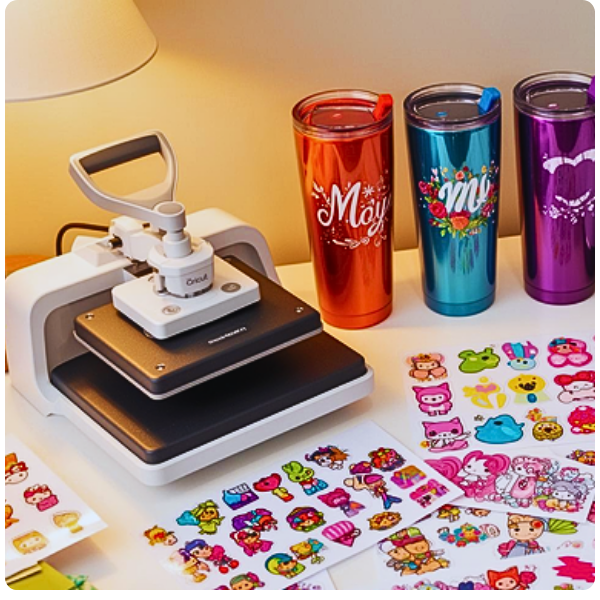
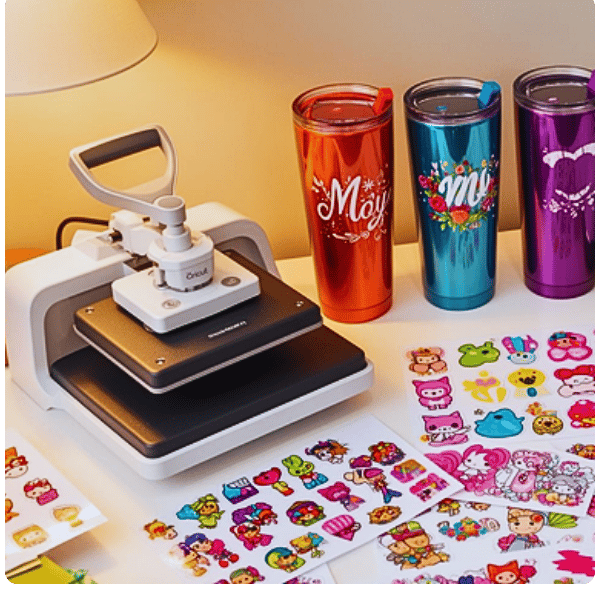


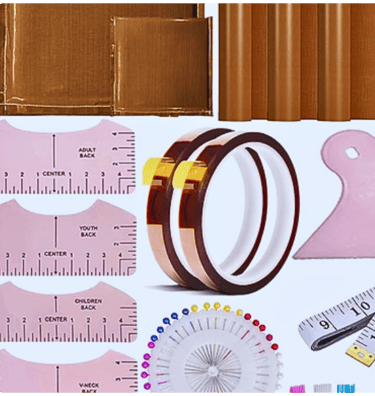
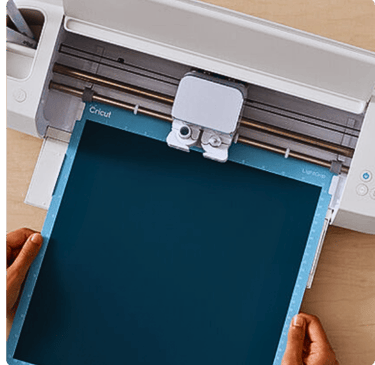
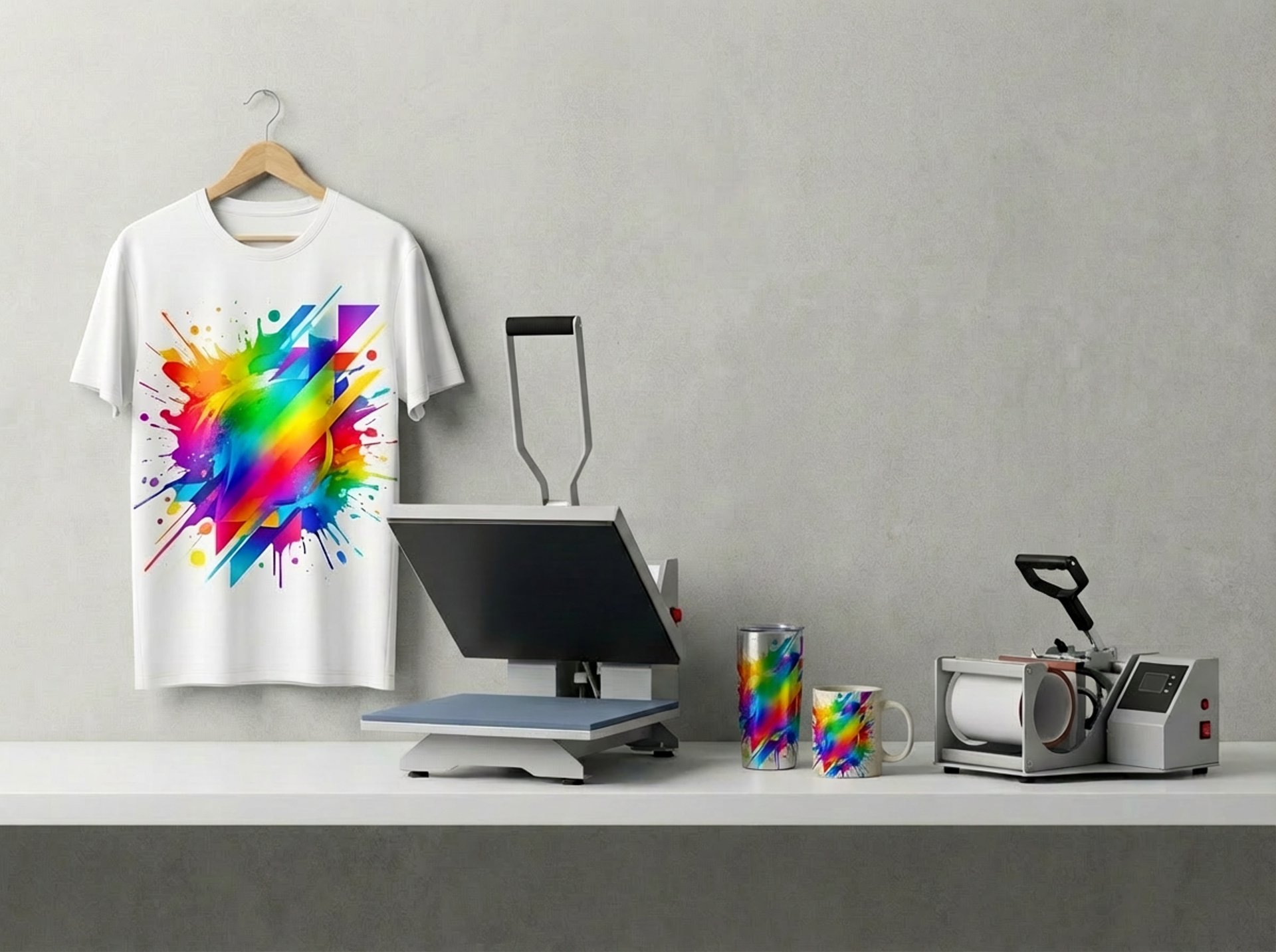
Sublimation (HTVRONT Heat Press + Cricut Mug Press) Shirts/Soft items (HTVRONT Heat Press)
Best blanks: 65–100% polyester or sublimation-coated fabric (cotton needs sublimation spray/HTV, and results vary).
Settings (good starting point): 385–400°F, 45–60 sec, medium-firm pressure.
Steps: Lint roll → pre-press 5–10 sec → tape mirrored print down → butcher paper inside shirt + on top → press → peel paper carefully.
Tumblers (HTVRONT Heat Press)
If you’re using a flat press, you’ll need a sublimation tumbler press attachment or a dedicated tumbler/mug press for even pressure. If you’re currently wrapping and pressing flat, results may be inconsistent.
Mugs (Cricut Mug Press)
Use only Cricut-compatible sublimation mugs or sublimation-coated mugs.
Steps: Mirror print → trim close → tape tight and smooth → insert → press once and let it finish → cool fully before removing paper.
Tip: Any gaps/wrinkles in the wrap can cause faded spots.
DTF (HTVRONT Heat Press)
Settings (typical): 320–330°F, 10–15 sec, medium pressure.
Steps: Pre-press garment 5–10 sec → place DTF transfer → press → peel warm or cold (depends on your film) → finish press 5–10 sec with parchment/Teflon to improve durability and reduce shine.
Care: Wait 24 hours before washing; inside-out; avoid high heat.
Before I lock these onto your Resource page text, what HTVRONT model do you have (auto press/10x12/15x15, etc.), and are your DTF sheets cold-peel or warm-peel?
Sublimation & DTF: Proper Use Guide (HTVRONT Heat Press + Cricut Mug Press)